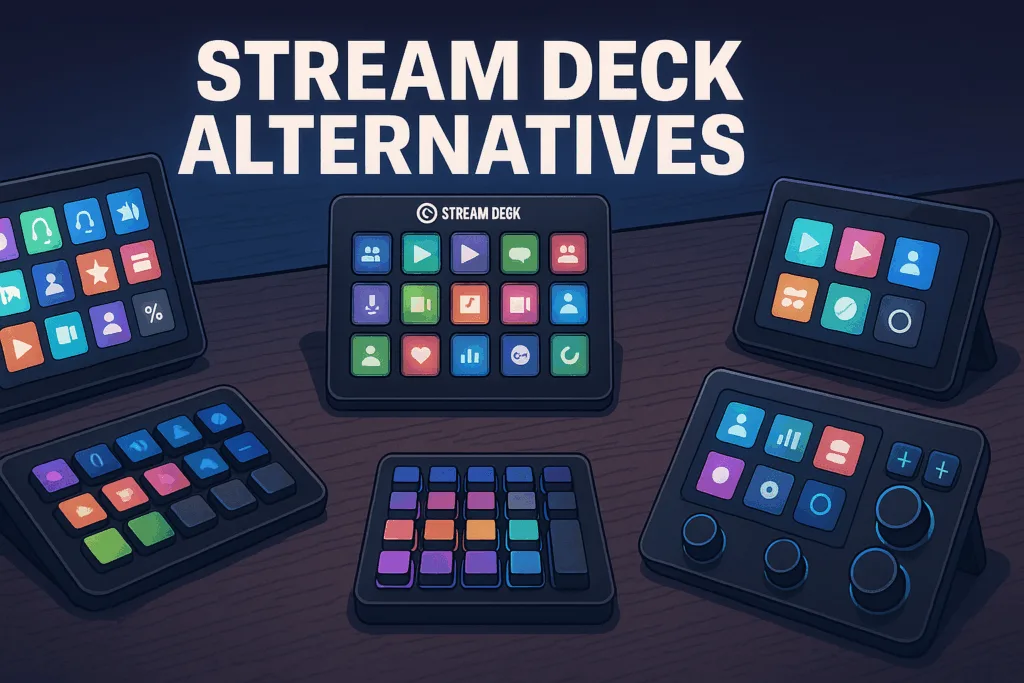
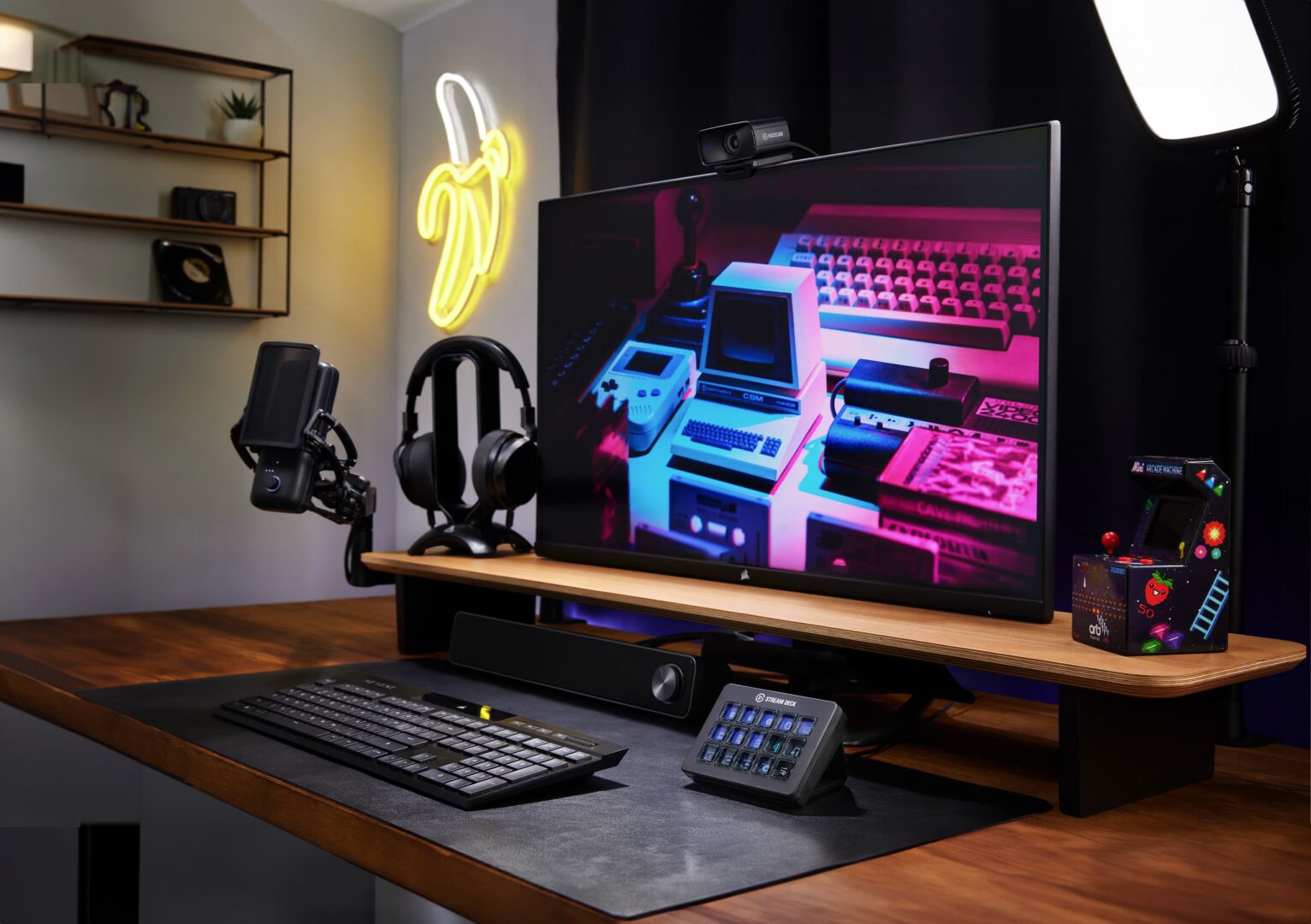
In the streaming world, few products are as instantly recognisable – or as meme-worthy – as the Elgato Stream Deck. It’s flashy. It’s customisable. It’s the crown jewel of every RGB-splashed battle station on TikTok.
But here’s the million-view question: Is it actually necessary? Or are there worthy alternatives in 2025 that deliver the same punch without the Elgato price tag?
Spoiler: There are. And they’re smarter, sleeker, and way cheaper than you think.
Let’s dive into the best Stream Deck alternatives in 2025 – and find out which one belongs in your setup.
What Makes the Stream Deck So Popular?
Before we yeet Elgato off the pedestal, let’s talk about why it earned that spot in the first place.
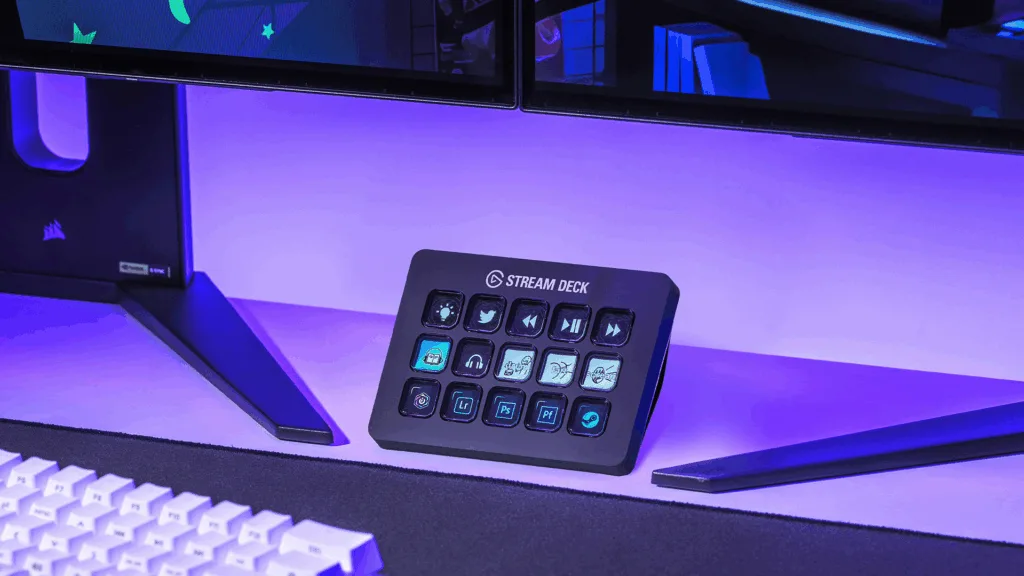
The Elgato Stream Deck MK.2 (and the XL version) is basically a macro pad on steroids:
Fully customisable buttons with LCD screens
Seamless integration with OBS, Twitch, YouTube, Discord, Spotify, DaVinci Resolve and more
One-touch scene switching, soundboard access, alerts, multi-action macros, and even AI tools
Drag-and-drop setup with Elgato’s slick control software
It’s the industry gold standard for a reason. But at £140+, it’s also a big investment for beginner or budget-conscious streamers.
So if you’re looking to save some cash – or just want something simpler – here are your best options.
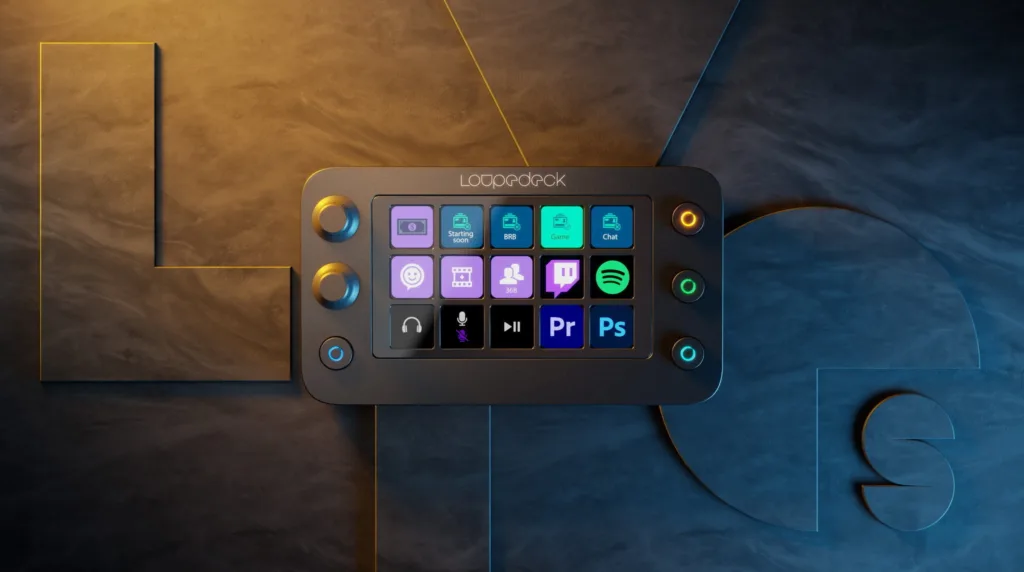
🔁 1. Loupedeck Live S
Price: ~£160 Best for: Multi-platform creators (streamers + editors)
Loupedeck’s tactile interface combines touch buttons with rotary dials – perfect for adjusting mic gain, music volume, or brightness on the fly.
Key features:
Touch-sensitive LCD buttons
Custom knobs with push actions
Native integration with OBS, Streamlabs, Adobe apps, and more
🧠 Verdict: If you want full control with knobs and buttons, this is your power play.
💡 2. Touch Portal (Mobile App)
Price: Free (basic) / ~£13.99 for Pro Best for: Streamers with tablets or phones
Touch Portal turns your phone/tablet into a virtual Stream Deck. It’s surprisingly powerful and fully customisable.
Key features:
Create buttons with text, images, and actions
Supports multi-action commands
OBS, Twitch, Spotify, XSplit, and more
Works over Wi-Fi or USB
✅ Pro: Portable, customisable, and dirt cheap ⚠️ Con: Needs screen real estate and can drain your battery
🧠 Verdict: Best bang-for-buck for budget streamers.
🧱 3. Macro Keyboards (DIY or Prebuilt)
Price: £30–£100 Best for: Tinkerers and keyboard nerds
Macro pads like the Razer Tartarus, Royal Kludge M75, or Cooler Master ControlPad offer physical keys without screens – but with powerful functionality.
What you’ll need:
Software like AutoHotKey or Companion
Basic programming/macros
OBS hotkeys set up in advance
✅ Pro: Total control, often mechanical switches ⚠️ Con: No LCDs, no drag-and-drop UI
🧠 Verdict: If you know what you’re doing, these are surprisingly capable.
📱 4. StreamPuppy
Price: ~£20 (lifetime) Best for: Simpler, focused setups
StreamPuppy is a lightweight PC app that creates an on-screen deck interface. No need for physical hardware – it’s a digital deck you can click or touch.
Features include:
Scene switching
Audio source toggles
Alert triggers
Custom button colours and icons
✅ Pro: Simple, no fuss ⚠️ Con: Limited to your PC screen
🧠 Verdict: Perfect for streamers who want clean UI without the clutter.
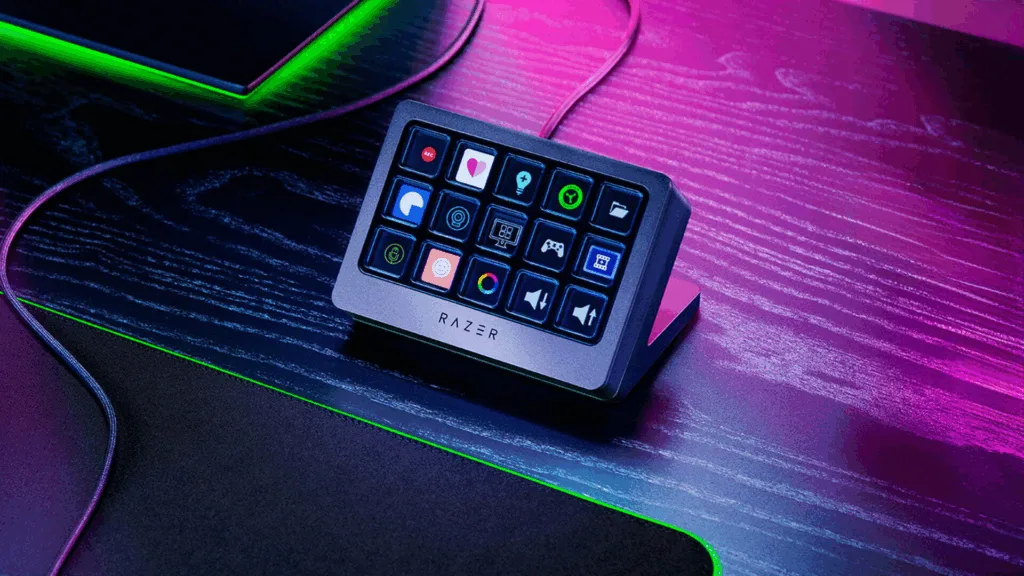
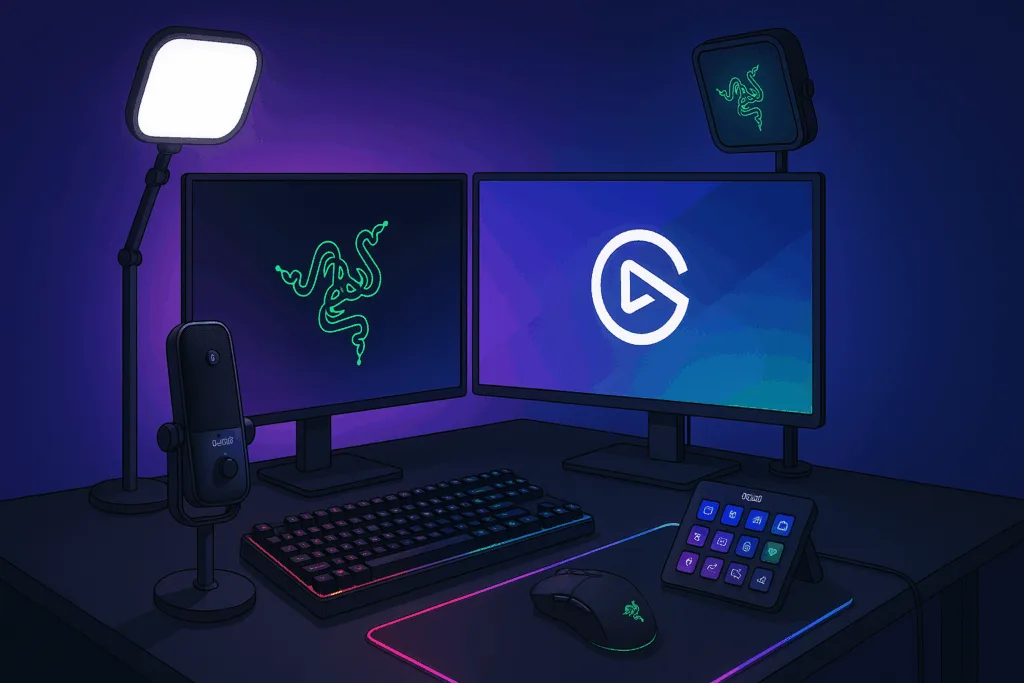
🔊 5. Razer Stream Controller X
Price: ~£140 Best for: Streamers in the Razer ecosystem
This is Razer’s direct rival to the Elgato Stream Deck, offering:
15 LCD buttons
Loupedeck-powered backend
Full Razer Synapse compatibility
App integrations and scene control
✅ Pro: Looks sleek, integrates well with Razer setups ⚠️ Con: Lacks the polish of Elgato’s software
🧠 Verdict: Great for Razer fans, but not a huge leap over existing options.
🧪 Bonus: Raspberry Pi DIY Decks
Got a Raspberry Pi and a bit of time? You can build your own Stream Deck with a touchscreen and custom software like Deckboard, PiDeck, or Open Deck.
✅ Pro: Full control, ultra nerdy ⚠️ Con: Needs coding knowledge and time
🧠 Verdict: For the techy streamer who wants to flex their custom build online.
So, Do You Need the Elgato Stream Deck?
Let’s be real – no, you don’t need it. But if you want the cleanest, most polished experience with full plug-and-play simplicity, it’s still the top dog.
However, in 2025, creators have more options than ever:
On a budget? Touch Portal.
Want tactile control? Loupedeck Live S.
Going mobile? StreamPuppy.
Already a Razer fan? Try their Stream Controller X.
Love DIY projects? Raspberry Pi is your playground.
The Stream Deck has competition – and for some streamers, the best choice is the one that fits your workflow, your budget, and your vibe.
FREE
Are you a streamer?
Click here if you'd like to feature on our website completely FREE